Wednesday, March 18, 2026
How to Improve Your ServiceTitan Booking Conversion Rate

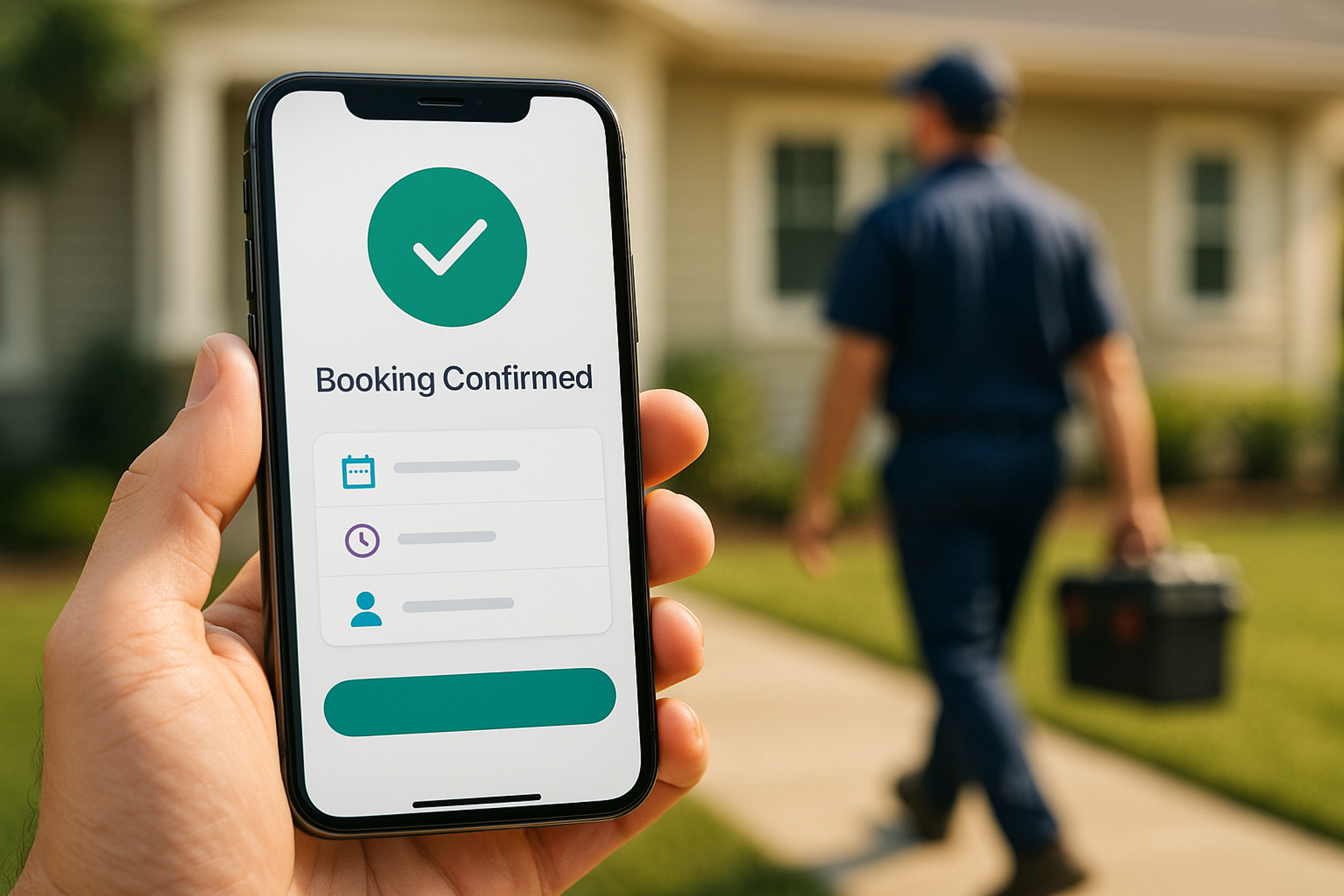
I've reviewed enough ServiceTitan booking flows to recognize the pattern. A company is spending $5,000 to $20,000 a month on Google Ads and generating solid lead volume.
Solid enough that no one is asking questions.
But when I dig into what actually happens after a visitor clicks the "Book Now" button, the picture changes. Customers are landing on a booking page with eight form fields, no indication of available times, and no way to know whether the company even serves their zip code until step four.
Most visitors leave before step three.
The marketing report shows clicks and leads. It says nothing about how many potential customers opened the booking form and walked away before ever booking a job.
That's the ServiceTitan booking conversion rate problem. And it's more common than most owners realize.
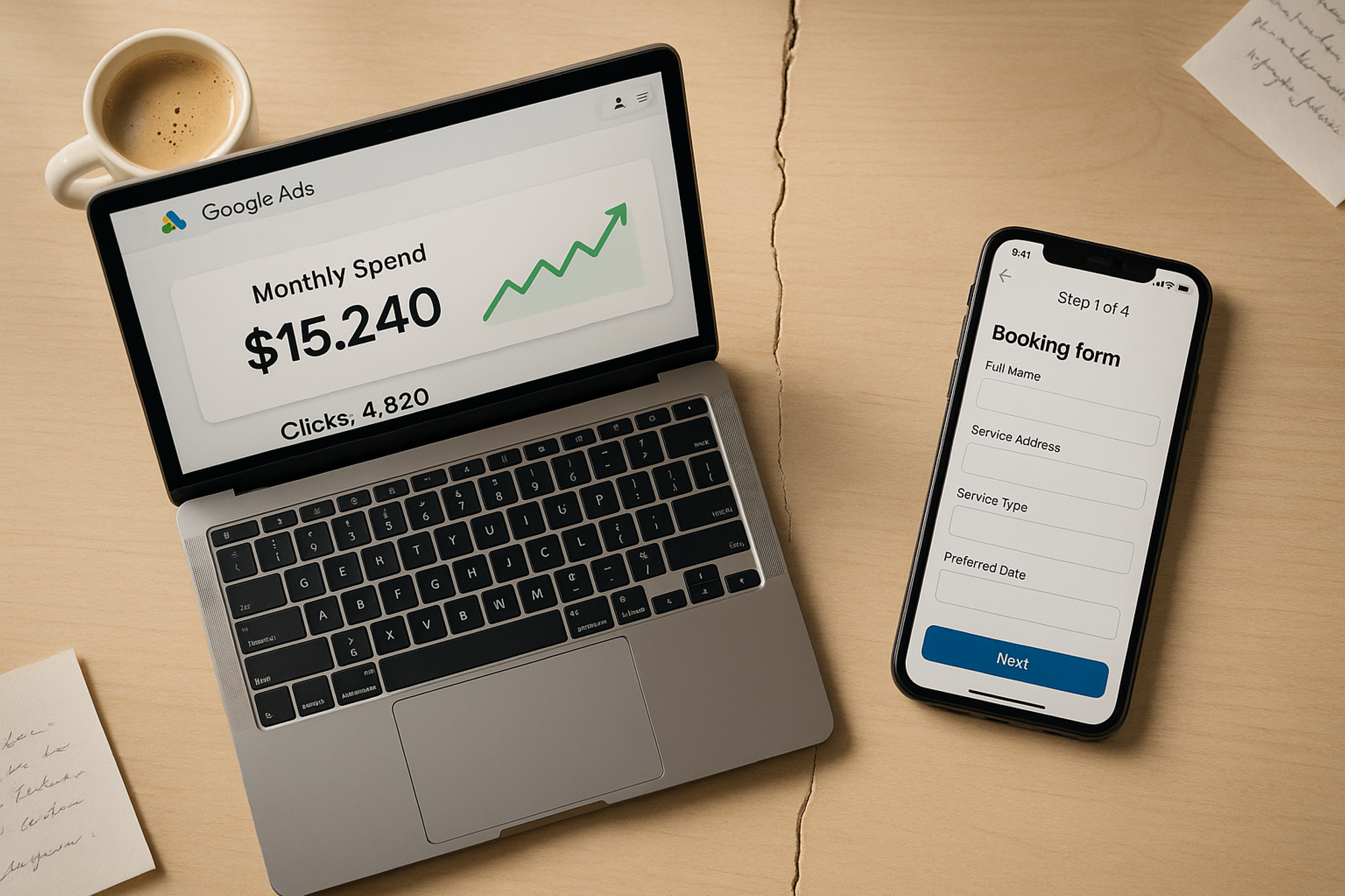
The gap between your marketing investment and your booking results is often hidden inside the booking form itself.
What Is a Booking Conversion Rate?
Your booking conversion rate is the percentage of website visitors who start your booking process and complete it as a scheduled appointment.
It sounds simple. But in practice, it's one of the most undertracked metrics in home services because it sits in between the two systems most companies already use: their marketing platform (which tracks clicks and form opens) and ServiceTitan (which tracks booked jobs).
Neither platform, by default, connects those two events into a single conversion rate. So you end up with data on either side of the gap but no clear picture of how many customers fell through it.
Most HVAC, plumbing, and electrical businesses have a rough idea of how many jobs they book per week. Very few know what percentage of their website visitors those bookings represent.
That number matters because it tells you whether your booking experience is doing its job. Your marketing spend is responsible for getting customers to your site. Your booking flow is responsible for converting them. If you don't know your booking conversion rate, you don't know how much of your marketing investment is actually working.
Why ServiceTitan's Default Booking Flow Has Limitations
ServiceTitan's built-in web scheduler is functional. It syncs with your schedule in real time and handles the basics of online booking. For companies just getting started with online booking, it gets the job done.
But it has a core limitation: it delivers the same booking experience to every customer.
The emergency AC repair customer who clicked your Google Ads campaign at 7pm on a hot Tuesday night needs a fast path. Minimal fields. Immediate time slots. Get them on your schedule before they call the next company.
The returning customer scheduling their annual maintenance call is in a different headspace entirely. They have more time. They might want to see pricing, ask about membership options, or book a specific technician.
Same booking page for both customers means a suboptimal experience for at least one of them, usually both.
The second limitation is attribution. ServiceTitan's default booking form doesn't preserve the marketing source that brought the customer in. So when a customer books a job, you can see the job in ServiceTitan. But you can't easily tell which campaign, ad, or keyword drove that customer to your website in the first place. The tracking chain breaks at the booking form.
How to Measure Your Current Booking Conversion Rate
Before you can improve your booking conversion rate, you need to know what it is.
Step 1: Find your booking form traffic
In Google Analytics (or your web analytics tool), find the number of unique visitors who landed on your booking page or started your booking flow in a given month.
Step 2: Count completed bookings from the web
In ServiceTitan, filter your jobs by booking source to isolate jobs that came through your website booking form. Count the bookings for the same time period.
Step 3: Calculate the rate
Bookings completed divided by visitors who started the flow. That's your booking conversion rate.
If you're using ServiceTitan's default scheduler without attribution tracking in place, this calculation will require some manual cross-referencing. It's worth doing once to get a baseline number, even if it's approximate.
What should your rate be? The honest answer is that there is no universal benchmark because it depends on your traffic quality, your service types, your geography, and your booking flow design. What matters most is knowing your own number and whether it's improving over time.
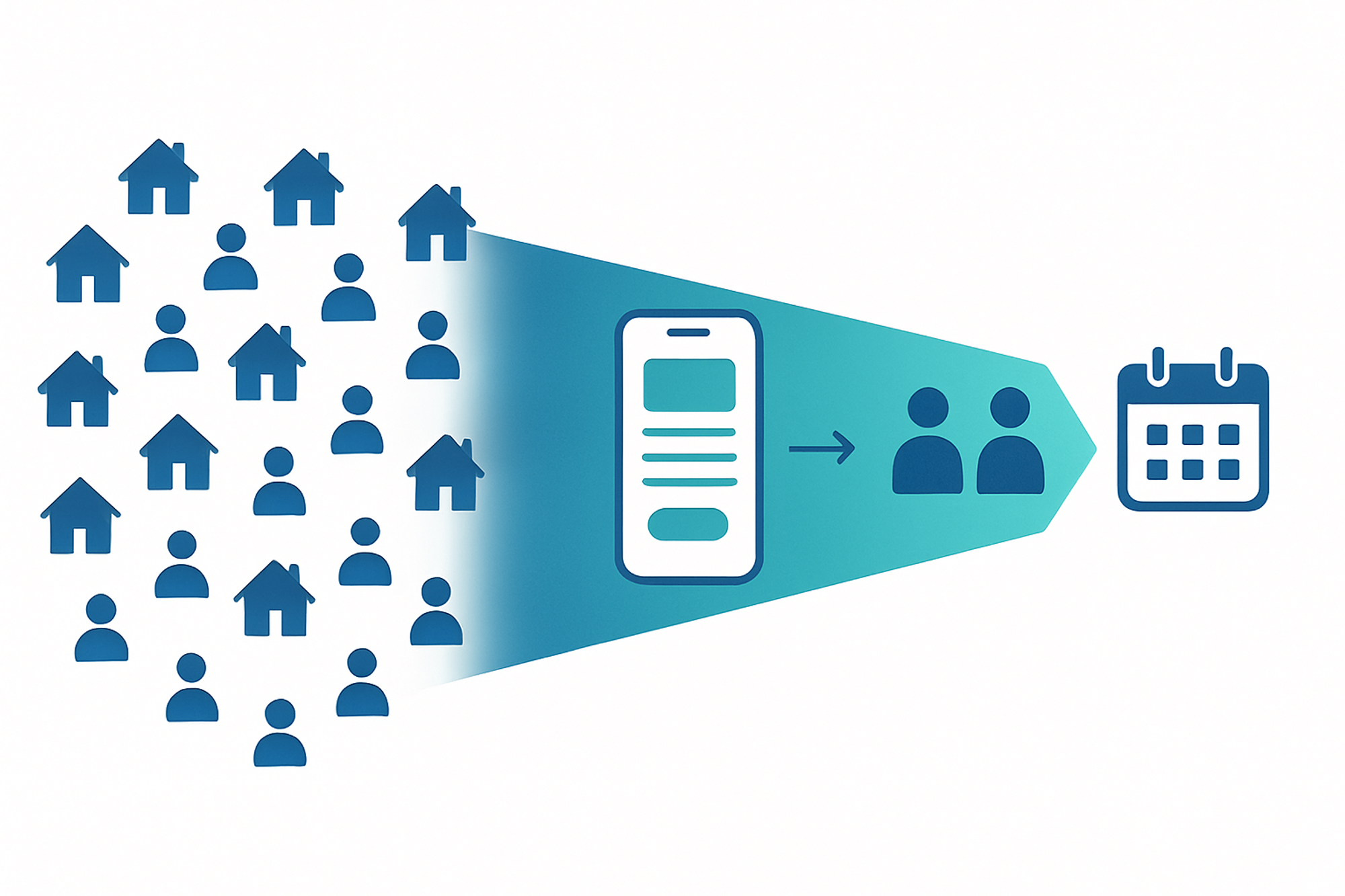
Most drop-off happens in the middle -- between starting the booking form and completing it. That's where your optimization effort should focus.
Five Ways to Improve Your ServiceTitan Booking Conversion Rate
1. Reduce friction early in the flow
Every additional field in a booking form is a reason to leave. The most common booking form mistake is asking for information you don't need at the point of booking. You can collect detailed customer notes, service history, and preferences after the booking is confirmed.
Start with the minimum required to get the appointment on the calendar: service type, preferred date/time, name, and contact information. Everything else can come later.
2. Add zip code verification at the start
One of the most frustrating booking experiences for a customer is going through several form steps only to learn at the end that you don't serve their area. Add a zip code check at the very beginning of your booking flow. Customers in your service area continue. Customers outside it get a clear message upfront, not after investing their time.
3. Show available times as early as possible
Availability is often the deciding factor. A customer who sees "Next available: Today at 2pm" is significantly more likely to complete a booking than one who has to fill out several fields before learning anything about when service is available.
If your booking flow hides availability until the end, experiment with surfacing it earlier. For emergency service calls especially, visible same-day availability can be the difference between a booked job and a lost customer.
4. Match the booking experience to the campaign
This is where ServiceTitan's built-in scheduler reaches its ceiling. If you are running multiple campaigns -- emergency repair ads, seasonal maintenance promos, new customer specials -- each campaign is bringing in customers with different intent.
A customer who clicked an emergency repair ad has different expectations than one who clicked a spring tune-up offer. Serving both customers the same generic booking flow means neither gets an experience optimized for their intent.
The more effective approach is to deliver a different booking flow based on the campaign or the button the customer clicked. Emergency service customers get a fast-track experience with minimal fields and immediate availability. Promotional customers get a flow that explains the offer and what to expect.
This requires a booking platform that supports campaign-specific flows or button-level triggers. ServiceTitan's built-in scheduler handles one flow. Third-party schedulers built for ServiceTitan can handle multiple.
5. Optimize for mobile
A significant portion of service booking happens on mobile, particularly for urgent service calls. A customer with a plumbing emergency is not sitting at a desktop. They're on their phone.
Test your booking flow on mobile before and after any change. Specifically: can a customer complete the booking with one thumb? Are the tap targets large enough? Does the flow load quickly? Does the keyboard behavior on mobile cause any fields to be hidden behind the on-screen keyboard?
Small friction on mobile that you would never notice on desktop is often the biggest source of booking abandonment.
How to Track Improvements Over Time
Once you have a baseline booking conversion rate and you start making changes, track the rate monthly.
A few things to track alongside the rate:
- Step-level drop-off: Where in the booking flow are customers leaving? If most of your drop-off is on step two, that's where to focus. If it's on the final confirmation screen, that's a different problem.
- Conversion rate by campaign: Are customers from your Google Ads campaign converting at a different rate than customers from your Facebook ads? Different rates by campaign often reveal intent mismatches.
- Conversion rate by device: Mobile vs. desktop. If your mobile rate is significantly lower, the mobile experience needs attention.
- Time to book: How long does it take the average customer to complete a booking from starting the form? A shorter time generally means less friction.
The Bigger Picture: Booking Conversion as Part of Revenue Attribution
Improving your booking conversion rate increases the number of jobs you book from your existing traffic. But the full picture includes knowing which campaigns generated the bookings that turned into revenue.
This is the connection most home service companies are missing. You can improve your booking conversion rate and still not know whether your marketing budget is allocated effectively. The missing piece is attribution -- tracking each booked job back to the specific campaign, ad, or keyword that drove the customer to your site in the first place.
When you have both -- a high booking conversion rate and clear attribution -- you can answer the questions that actually drive growth: which campaigns book the most jobs, which campaigns generate the highest-value jobs, and where the next dollar of marketing spend should go.
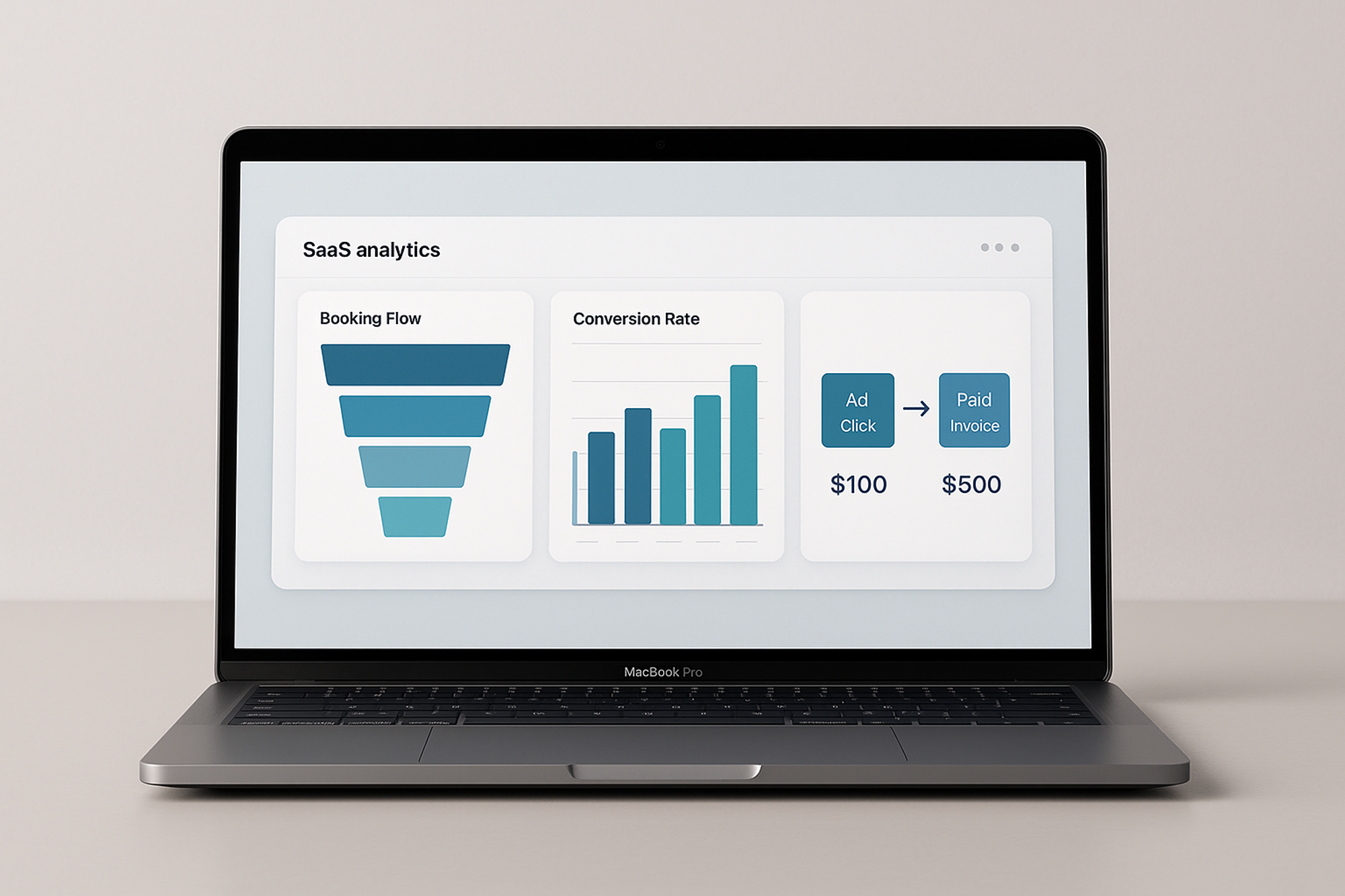
Step-level analytics and full revenue attribution in one place -- what it looks like when the tracking chain stays connected from first click to final invoice.
We'll audit your booking flow free so you can improve it
Schedule a live audit with our specialists to review your current scheduling experience. They'll identify key gaps holding you back from getting more bookings.
What Wrkbelt Does Differently
Wrkbelt is a scheduling platform built specifically for ServiceTitan companies. It adds a layer of capability on top of your existing ServiceTitan setup without requiring a plan upgrade or operational changes.
For booking conversion specifically, Wrkbelt supports:
- Button Triggers: Deliver different booking flows based on which button a visitor clicks. One customer saw a 53.5% lift in bookings after setting this up -- matching emergency repair customers to a fast-track flow and maintenance customers to a standard one.
- Campaign-specific flows: Route visitors from different ad campaigns into different booking experiences automatically based on UTM parameters in the URL.
- Step-level analytics: See exactly where customers are dropping off in your booking flow, by step, by device, and by campaign.
- Express Links: Send returning customers a personalized booking link with their information pre-filled, so they skip straight to picking a time.
- Full attribution to invoiced revenue: Track each booking back to the campaign that drove it, through to the paid invoice.
None of this requires changing your ServiceTitan plan or disrupting your existing operations. It works with what you already have.
If you want to see what your booking flow looks like with step-level data, grab a 15-minute walkthrough with our team. Link below.
Wrkbelt is an acquisition and retention platform for service businesses running ServiceTitan. We help HVAC, plumbing, and electrical companies significantly increase bookings and track every marketing dollar from first click to final invoice.